
Finance and Operations Data on Common Data Model and Microsoft Dataverse
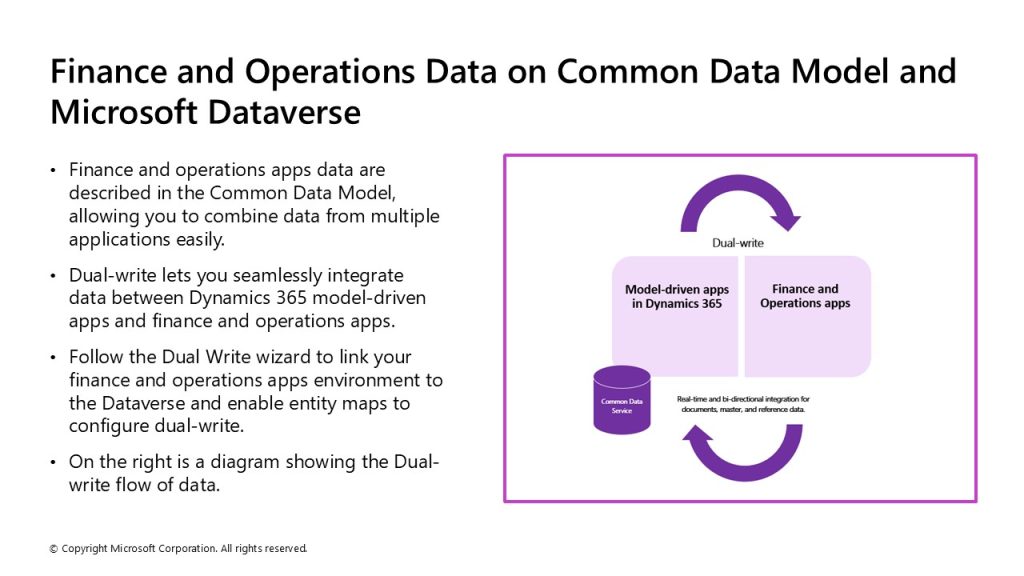
Note: To configure dual write in finance and operations apps, follow these steps:
- Log in to finance and operations apps.
- Navigate to the Data management workspace.
- From the Data management workspace, select the Dual Write tile.
- Select New link to environment.
- On the Choose environment page, you will select the environment to link to.
- Select your legal entities to link.
- A summary will display. Review the privacy notice and content, and then select Create.
- Now, you can apply the dual-write application orchestration solution.
- In the Dual-write page in finance and operations apps, you select Apply solution to apply the entity maps that you downloaded when the link was created between the environments.
- After you apply the solution, you will see the default entity maps are published.
